
1in Accessibility Toolkit
A digital accessibility audit you can run yourself. Around one in four UK adults is disabled — so every building, service and screen you run is used by them today. Work through 45 checks across your physical environment, digital services, communication practice and policy, see where you stand, and leave with a phased action plan you can fund and assign.
Delivering responsible AI that people can trust.
Mapped to the Equality Act 2010, WCAG 2.1 AA, BS 8300 and ISO 14289.
Next up: Phase 1 — immediate — 22 outstanding
Overall 0% — rated Developing.
Saved on this device only. Sign in to sync your scores, notes and evidence across devices.
Physical environment
0%
0 of 12 checks met
Digital & virtual
0%
0 of 14 checks met
Communication & service
0%
0 of 9 checks met
Policy & assurance
0%
0 of 8 checks met
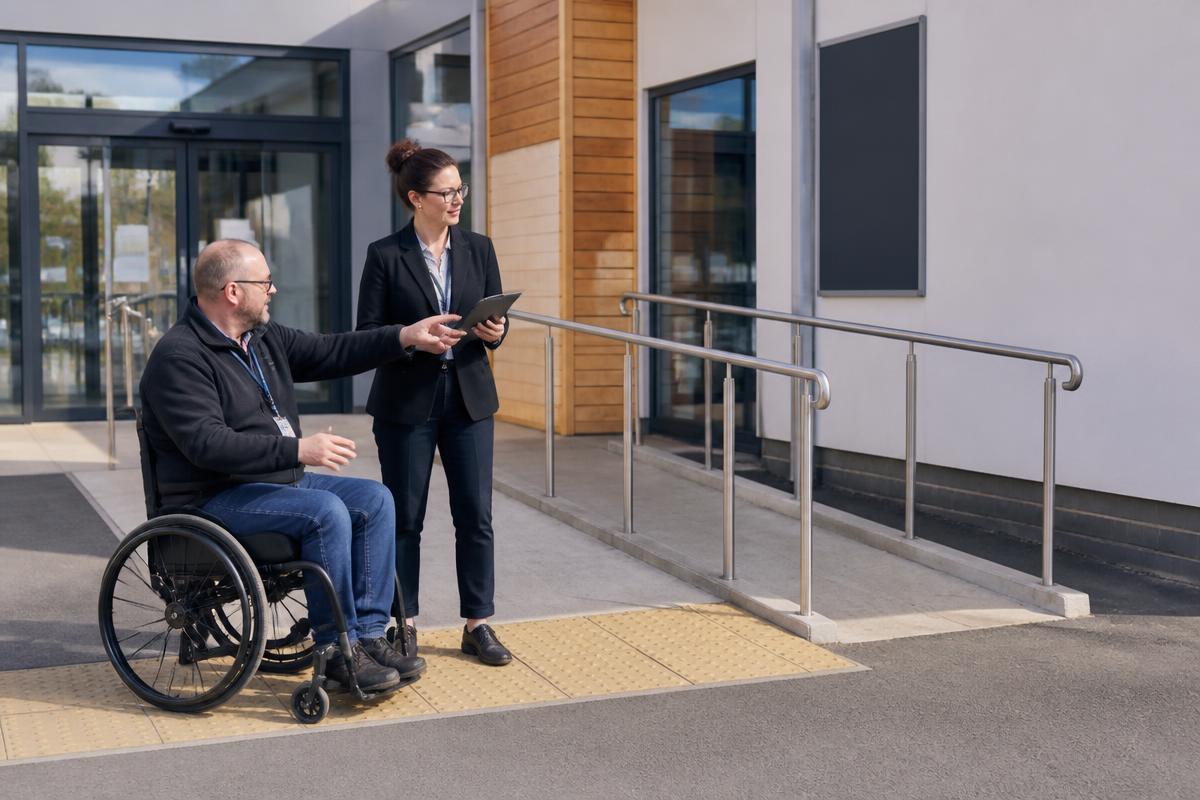
A level or ramped approach at the main entrance, not a side or service door. Gradient no steeper than 1:20 where possible, with handrails on both sides.
At least 800 mm clear opening width, with automatic operation or an opening force under 30 N. Heavy sprung doors exclude wheelchair and crutch users.
Marked bays close to the accessible entrance, with a level route, dropped kerbs and active enforcement so bays stay free.
Aisles at least 1200 mm wide, kept free of stock, bins and A-boards, with turning space at junctions and no trailing cables.
Outward-opening door, grab rails to specification, knee clearance under the basin, accessories within reach zones, alarm cord reachable from the floor, and never used as a store room.
Avoid pools of shadow and reflective floors. Good lighting supports partially sighted people and anyone lip-reading or watching a signer.
Sans-serif type, strong contrast against its background, consistent placement, plus tactile lettering or braille on key wayfinding and door signs.
A lowered section around 750 mm high with knee clearance so a wheelchair user can be served face to face rather than sideways.
Fitted at reception and in meeting rooms, tested regularly, signed with the ear symbol, and included in staff induction.
Flashing beacons alongside sounders, plus Personal Emergency Evacuation Plans (PEEPs) for disabled staff and visitors and refuge points with two-way communication.
Somewhere with dimmable light and reduced noise for autistic people, people with sensory processing differences, and anyone becoming overwhelmed.
A walked route from car park to service point, recorded with photographs, owners and dates — not a desk exercise.
Check body copy, placeholder text, disabled states, text over images and brand colours used for links.
Describe the information, not the file: avoid "image", avoid repeating the word "chart", and mark purely decorative images with an empty alt so they are skipped.
Tab through the whole journey: no trapped focus, no mouse-only menus, a visible focus indicator throughout, and a skip-to-content link.
One H1 per page, no skipped levels, a single main landmark, form fields programmatically labelled, and no duplicate IDs in repeated lists.
Captions carry dialogue, speaker identity and meaningful sound. Provide a transcript that also describes on-screen visuals, and offer BSL where the audience needs it.
Media starts on request. Animation respects prefers-reduced-motion, and any moving content longer than five seconds can be paused.
Small icon-only controls are the most common mobile barrier for people with tremor, limited dexterity or one-handed use.
Errors named in words next to the field, not colour alone; no unannounced session timeouts; and a way to extend or resume.
No horizontal scrolling, no clipped text, and no pinch-zoom blocking on mobile.
Use built-in heading styles, tagged tables with header rows, alt text on charts, meaningful link text and a declared document language — or publish an HTML version instead.
Automated tools catch roughly a third of issues. Walk the journey with NVDA, JAWS or VoiceOver using heading, link, form-field and landmark navigation.
State the standard met, list known issues with target dates, and give a monitored contact that answers within a stated time.
Live captions on by default, agendas and slides shared in advance, one speaker at a time, spoken description of anything shown, and BSL interpretation booked when required.
axe, WAVE or Lighthouse run on every change, with a baseline that fails the build when violations increase.
Disability etiquette basics: address the person directly, ask before helping, never touch a wheelchair or assistance dog, and get to eye level where you can.
Large print, easy read, audio, plain-text email and braille — with a named owner and a realistic turnaround time.
A booked interpreter for appointments, or a video relay service for walk-ups, published alongside your other contact routes.
Email, live chat, SMS or a web form for people who cannot use the phone — with the same response standard as the phone line.
Short sentences, active voice, expanded abbreviations and no unexplained internal terms. Helps dyslexic readers, people with learning disabilities and non-native speakers.
One route to ask, a recorded decision, and a passport so the person does not have to explain their needs again at every visit.
A visible policy, staff briefed to allow access, and water available. Refusing an assistance dog is unlawful discrimination.
More than one channel, no requirement to phone or write a letter, support to complete the form, and an accessible response.
Accessible job adverts and application forms, adjustments offered at every stage, and Access to Work signposted (up to £62,900 a year).
A commitment statement, the scope it covers, the standards adopted, and the date it was last reviewed.
WCAG 2.1 AA for digital, BS 8300 for buildings, ISO 14289 for documents, and the Equality Act 2010 for adjustments.
Senior leadership funds and sponsors the work; managers embed it in delivery; every team knows who to ask.
Disability awareness for everyone; technical WCAG training for designers, developers and content authors.
Recruit across visual, auditory, cognitive and motor needs, test at least annually, and feed findings into the backlog.
Ask for a VPAT or accessibility conformance report, and make remediation a contractual obligation before you buy.
Quantitative: WCAG violations closed, audit scores, adjustment requests met on time. Qualitative: user satisfaction, staff confidence, feedback quality.
A dated plan with phases, budget, owners and completion dates — reviewed at least annually and after any significant change.